Interface
Built for Broadcast Professionals
A dark, focused interface designed to keep you in the production flow. Every control is where you expect it.
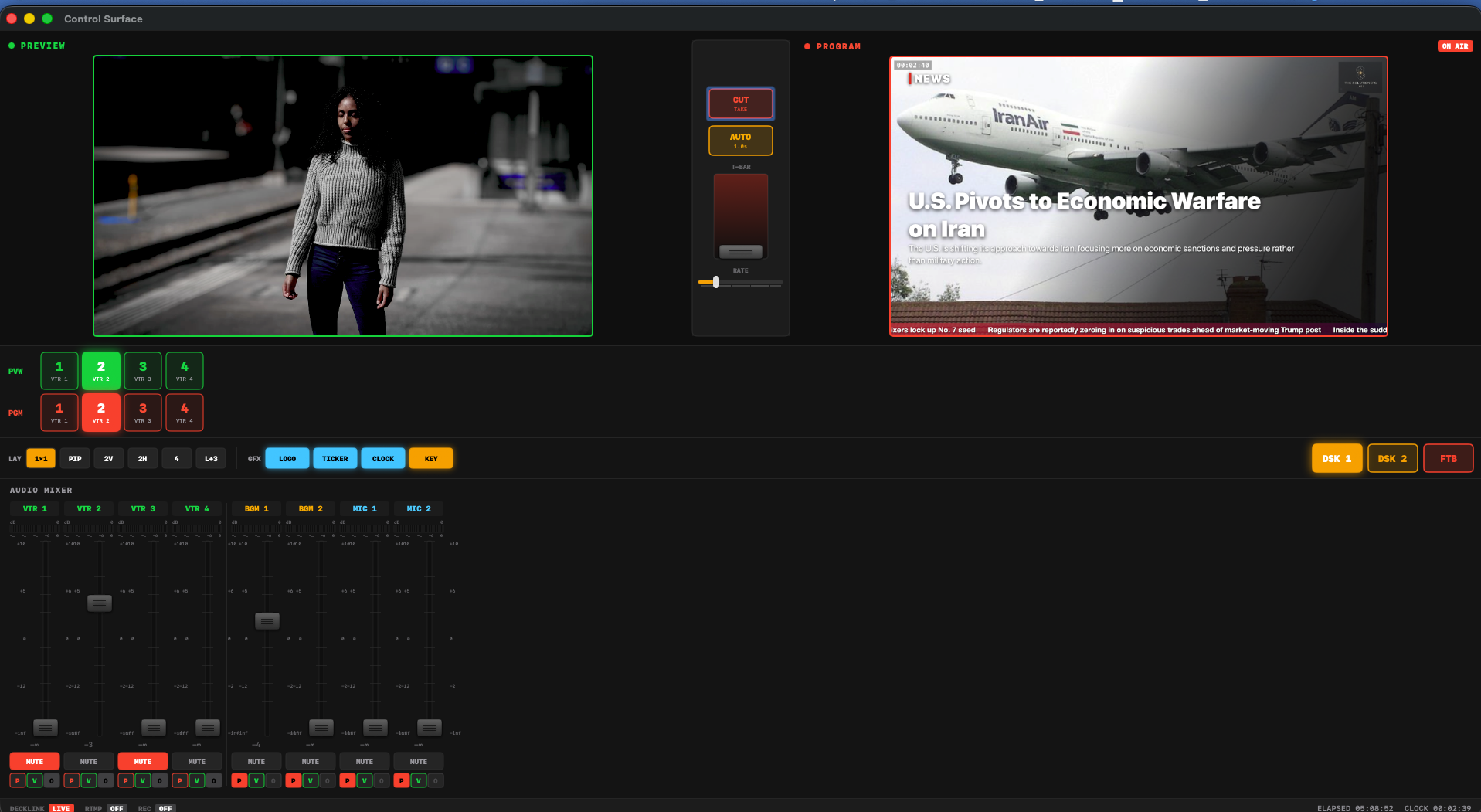
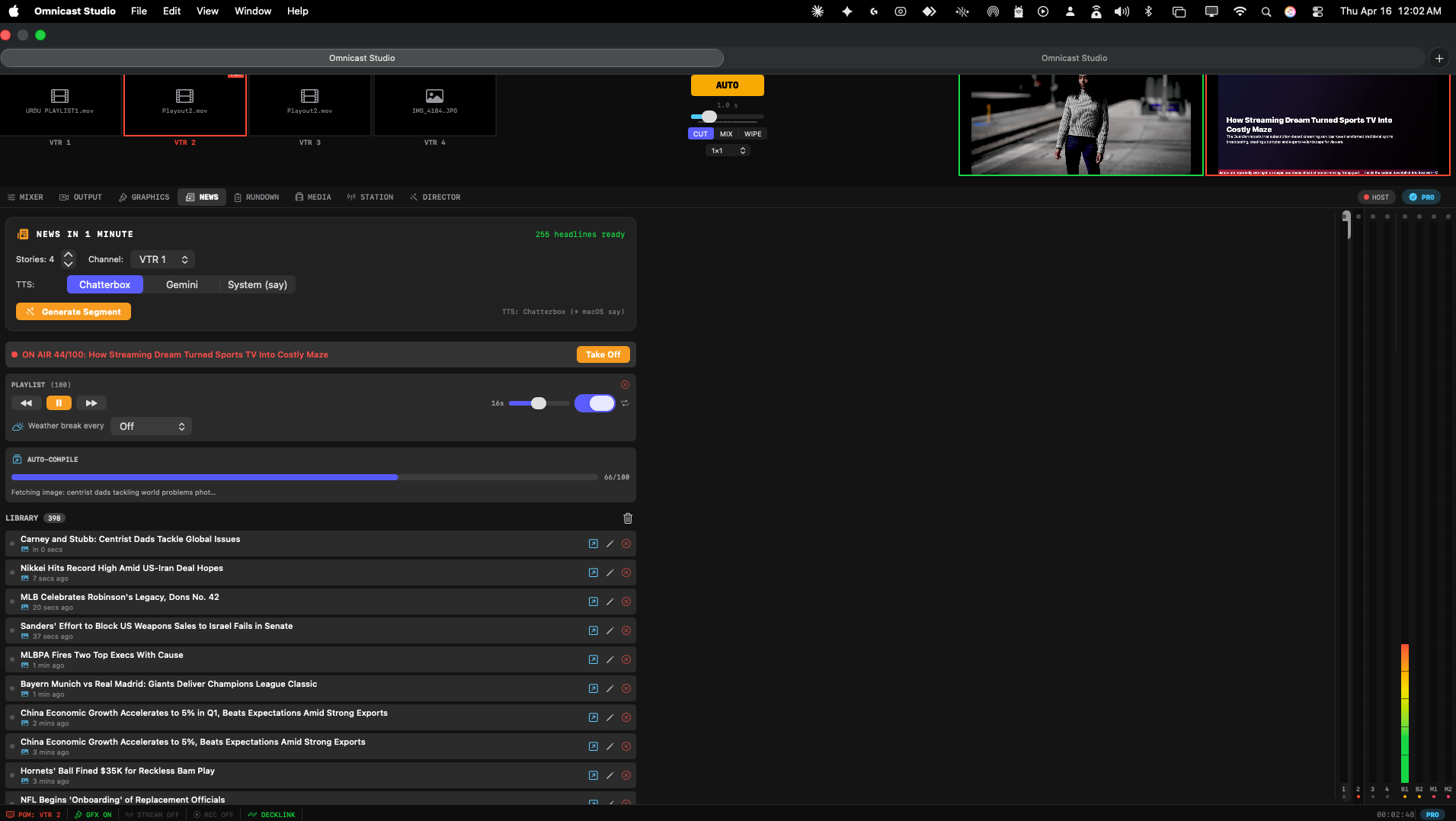
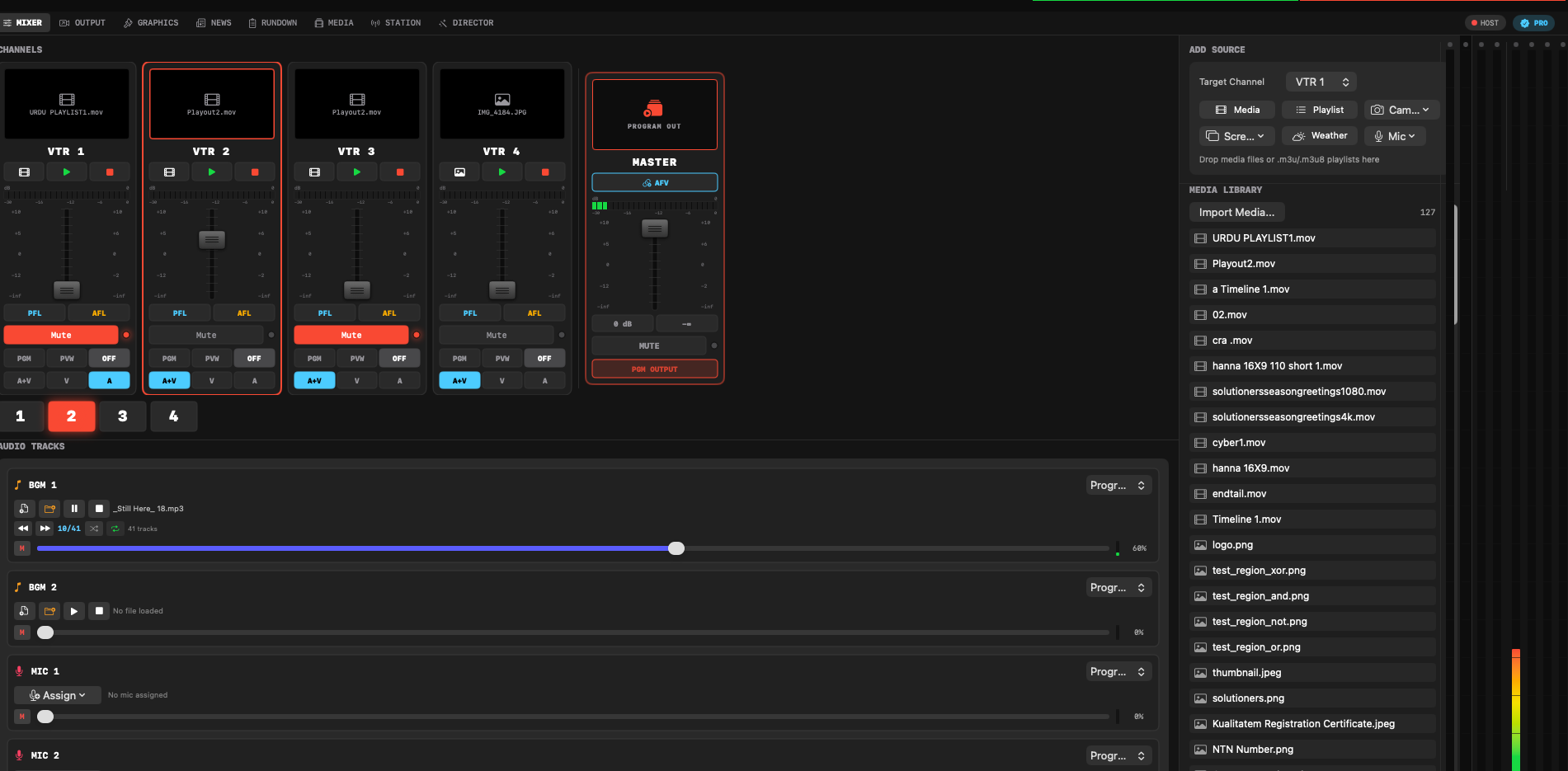
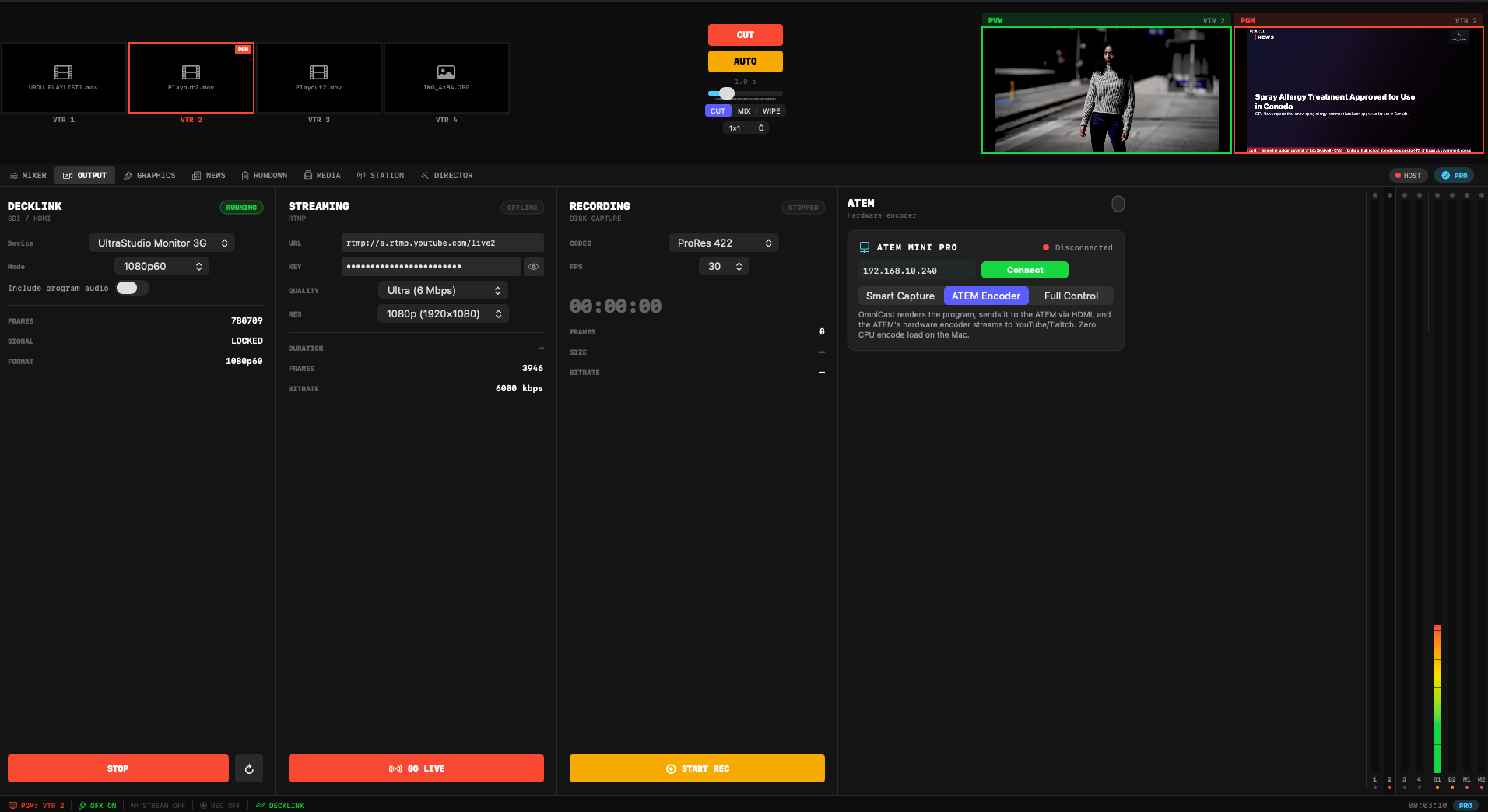
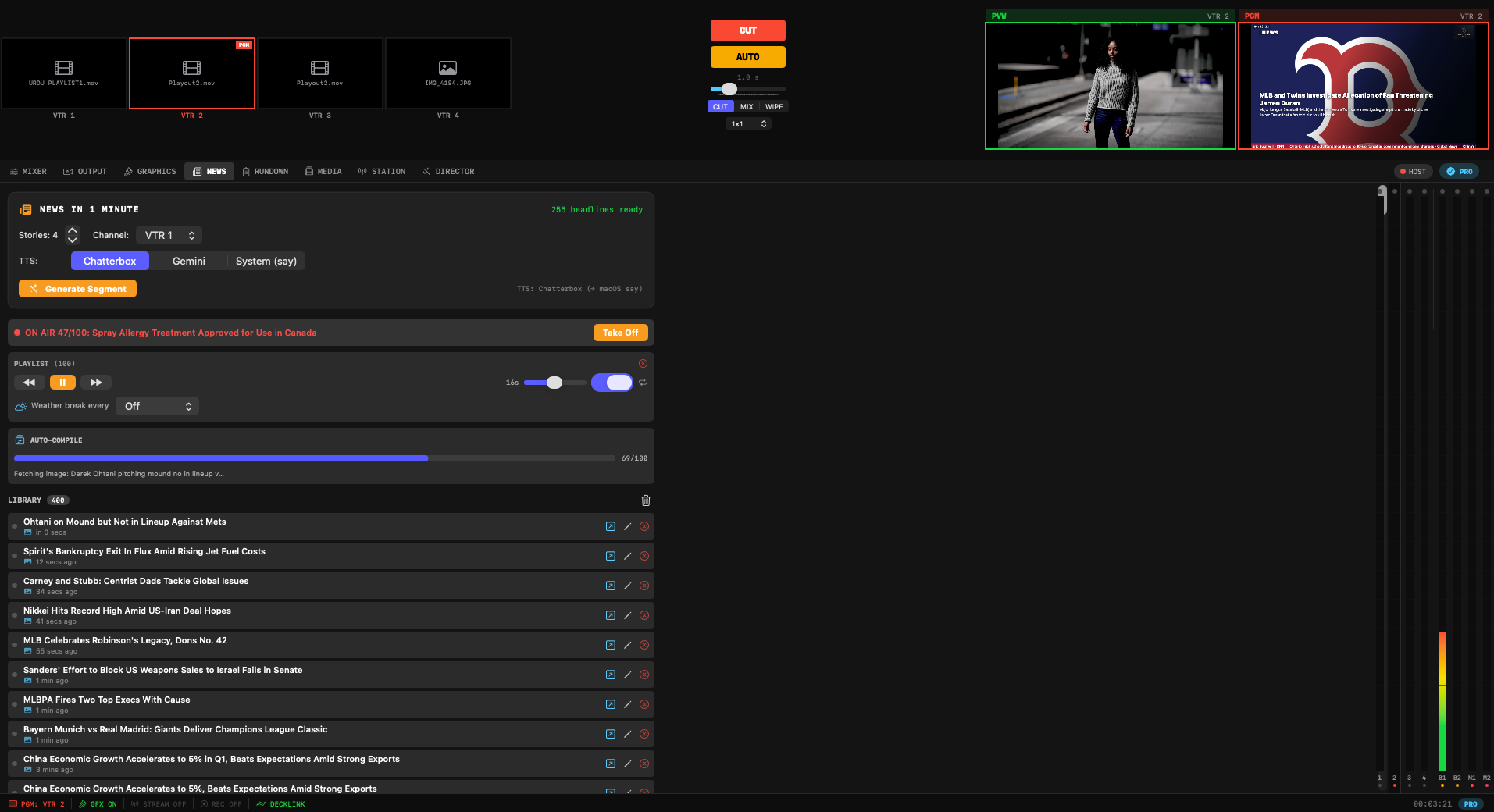
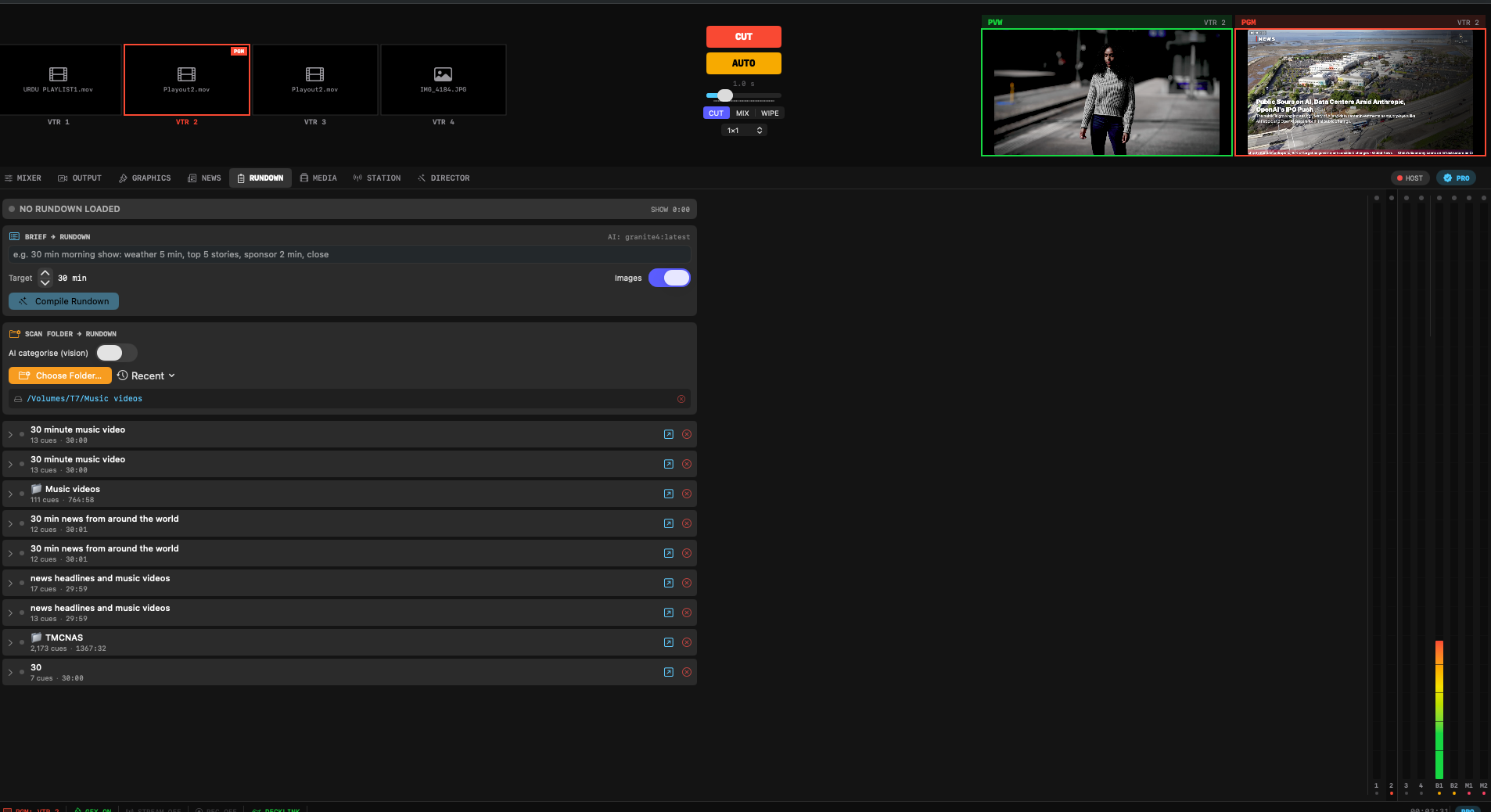
Mix up to 4 camera sources with broadcast-quality layouts, stream live via RTMP, output to Blackmagic DeckLink hardware, and produce polished live video — all from your Mac.
macOS 14 Sonoma or later · Apple Silicon native
From camera mixing to live streaming, Omnicast Studio delivers a professional broadcast workflow in a single, native macOS application.
Switch between up to 4 camera sources with Picture-in-Picture, Quad, Side-by-Side, and L-Bar + 3 layouts. Instant cuts and smooth transitions.
Pro: 4 camerasStream directly to YouTube, Twitch, or any custom RTMP server. Configure bitrate, resolution, and encoding settings for optimal quality.
RTMPRoute your program feed directly to Blackmagic DeckLink hardware for SDI/HDMI output to broadcast monitors, projectors, or recording decks.
BlackmagicFine-tune hardware exposure, white balance, ISO, and zoom directly from the app. Real-time adjustments without leaving your production workflow.
ProDisplay live weather conditions with Apple Maps integration. Show temperature, conditions, and forecasts as broadcast-style lower-thirds and overlays.
ProProfessional green or blue screen keying with custom color picker. Adjust threshold and smoothing for clean composites, even in imperfect lighting.
ProAdd logo overlays, a live clock, and scrolling RSS news tickers. Position and style each element to match your broadcast branding.
Built-inMulti-channel audio mixing with per-source volume control, mic input support, and real-time VU meters. Monitor your levels at a glance.
Multi-channelA dark, focused interface designed to keep you in the production flow. Every control is where you expect it.
No trial limits, no watermarks. The free tier is a fully functional single-camera studio. Upgrade to Pro to unlock the full broadcast toolkit.
Everything you need for a single-camera setup.
The full broadcast studio, unlocked.
Free to download. No account required. Upgrade to Pro from within the app or from this page whenever you're ready.
Already have a license key? Activate your Pro license